eBay Plus: As you cancel the trial month
Open eBay Plus in your Browser.
- Click on the one in the middle displayed the Link "My eBay Plus membership"
- There you select "cancel membership".
- Then click on the "Next"Button.
- You decide at this point for a reason. You can select in the drop-down menu, also "No reason".
- Confirm the cancellation on the "cancel membership"Button.
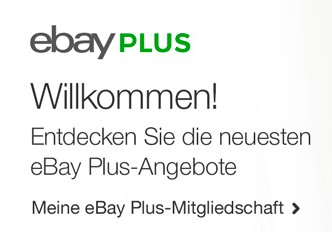
eBay Plus: sample month to cancel
All the info to eBay Plus can be found here.