1. Maximum DSL speed at the Provider's request
- One of the key factors is the available DSL maximum speed in your area.
- You should therefore ask your Provider whether you will receive the maximum DSL Speed. Often, the connection in the regions is improved, without the benefit automatically.
- Depending on the provider, you can upgrade, free of charge, or chargeable at a higher speed, if this is available to you. Often it is worth comparing it with other providersbecause of the DSL Speed between the different providers can vary.
- The CHIP speed test , you can relatively quickly find out what speed you are currently on the net are.

DSL speed improve
2. Direct connection instead of DLAN and Wi-Fi
- If you are distributing the access to the Internet via DLAN or Wi-Fi in your home is lost due to various confounding factors are always a part of the DSL Speeds.
- The best possible connection is only possible if your Internet directly via cable from the Router into your PC.
- Those who cannot do without Wi-Fi, you should set up the devices, at least optimally, so that the Signal is dampened to a minimal amount of walls and other interference factors. Here read, as your Router for optimum placement.
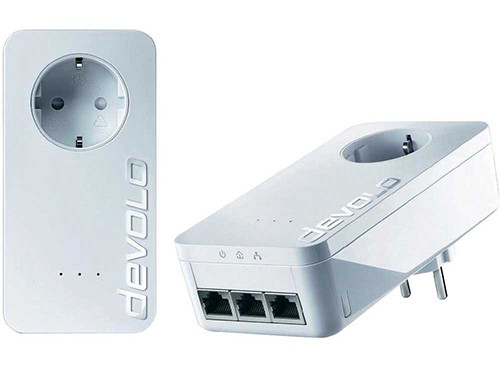
DLAN: Brakes partially the Speed
3. Router performance check
- Make sure that your Router supports the current maximum speed of your DSL connection.
- You can use a VDSL line necessarily certified Router.
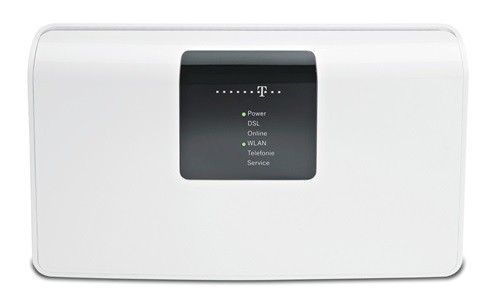
The DSL Router review
4. Data traffic in the Background to block
- Some programs suck in the Background of your Internet connection - often without you realising it.
- With Tools like Comodo Internet Security can you find out which programs on your cable access. Not required Tools you should block or directly from your computer to remove.
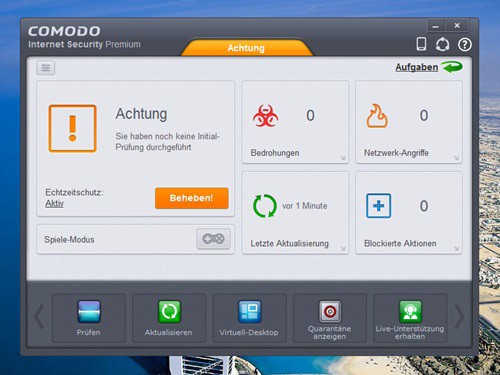
Firewall: block traffic
5. Configuration of the network card to optimize
- So your DSL speed is not slowed down, you should configure your network card accordingly. Therefore, make sure that you have installed all the drivers properly.
- With the free SG TCP Optimizer allows you to configure your network card to optimize. More speed than is technically possible, you cannot get out of course even with this Tool.
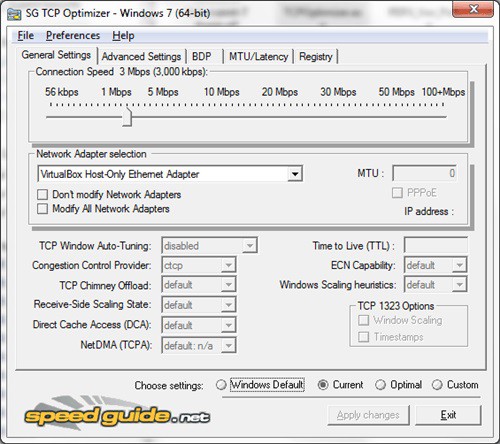
Network card to configure optimally
If you live with multiple people in a household, all accessing the same Internet connection, you have to expect in the case of parallel use, with loss of speed. If direct cabling is not possible, in most cases only a DLAN or Wi-Fi.