
DLAN does not work – what to do?
- Make sure that both connectors are correctly seated and that the LAN cables are connected properly.
- In order DLAN works, you must insert the plug directly into a wall outlet and not into a power strip.
- There may be a Problem with the LAN cable. To be sure, you should replace all cables used in the network.
- In some cases, it helps if you perform a Reset on the plugs. On the bottom you will find a small button that you hold down for a few seconds.
- There may also be a Problem with the power outlet. Try a different outlet in the room.
- To use DLNA, you must set the Router to DHCP. This can often be found under "network".
- Or is it a Defect in the DLAN plugs is. You can check this by connecting the plug to a different location.
- You can also restore there is no connection, replace the plug, since there is a Defect.
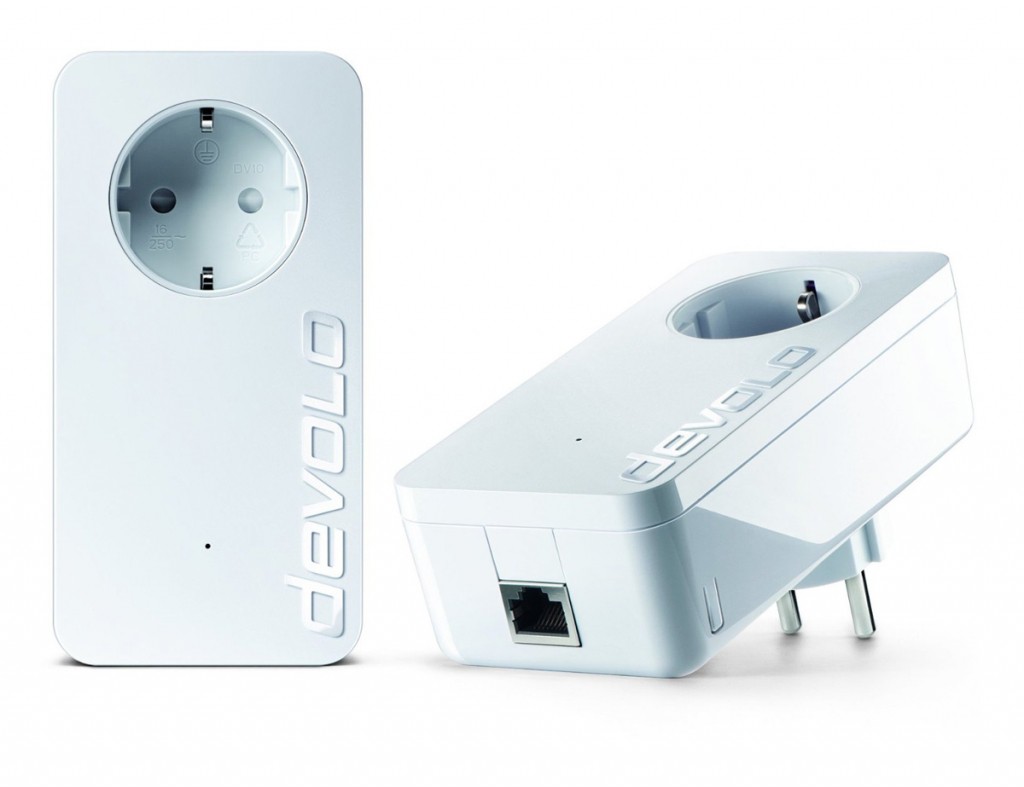
Help: DLAN does not work
In the next tip we will compare the DLAN and Wi-Fi for you.





