
Samsung Galaxy Alpha: creating a Screenshot
- You hold down the Home Button and to the right of the device the Power Button for about two seconds.
- You will then receive, depending on the setting a visual or audible confirmation.
- The Screenshot can then be found in your gallery under the folder "Screenshots".
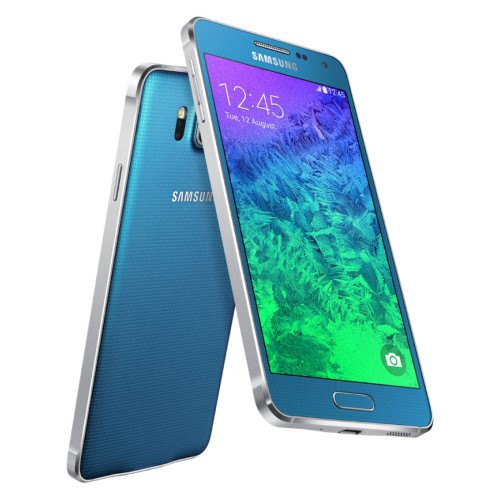
Screenshot on Samsung Galaxy Alpha
In the next practical tip we show you how to recover deleted files on Android restore.





