
Broken Display, the Nexus 5 replacing the
The implementation of the following steps at your own risk. You should follow these instructions only if you know sufficient background and experience.
- Turn off your device first.
- Remove the back of your Nexus 5 with a tool such as a plastic opener or a Pick.
- You screw the motherboard safety plate in the upper area of the device with a Phillips screwdriver. You do not need to remove a total of six screws.
- Loosen gently with a Spudger to free the battery cable and the Daughterboard ribbon cable.
- Remove the battery using the notch at the lower edge using a plastic opener. You should proceed very carefully.
- Pry out carefully with the plastic opener to the vibration motor.
- Carefully remove the antenna cables to the right and to the left of the motherboard and Daughterboard. You solve also the ribbon cable to the screen, which is located on the Daughterboard, as well as the camera cable and the ribbon cable next to the earphone Jack.
- You remove it with the Spudger the Mainboard from the device. Get out gently with a pair of tweezers – the camera, the Earpiece, the headphone Jack and the proximity sensor.
- Take the new front cover and install the removed components in the reverse order in the new front page.
- An illustrated guide you will find ifixit.com.
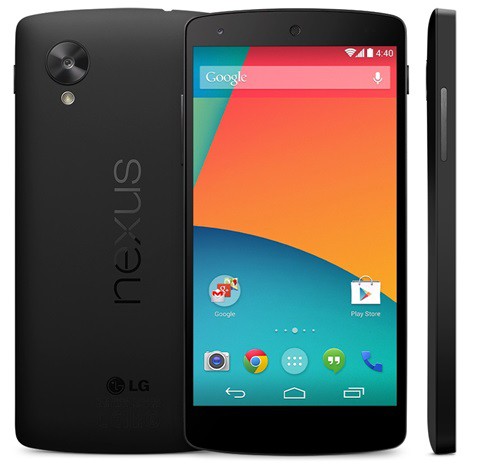
Nexus 5: replacing the Display
Mobile phone insurance: Our test winner pays the Display is Defective
Our test winner for mobile phone insurance, Friendsurance covers, among other things, the Display and Breakage from. Depending on the original price of the smartphone may be worth the quite.

Test winner of the Smartphone insurance: Friendsurance
Alternatively, you can let your Nexus 5 even in the case of a repair Service repair. In the following, a practical tip we can provide you with recommended vendors prior to.





