
Hangouts-change profile picture on Android
The Hangouts App can you on Android and iOS use. To change the image in Android:
- Tap on the menu button of your smartphone and select "settings".
- Then, you call up your E-Mail address.
- Now tap on "profile photo".
- At this point you can choose between "photo" and "select photo".
- Then your Change will be saved.
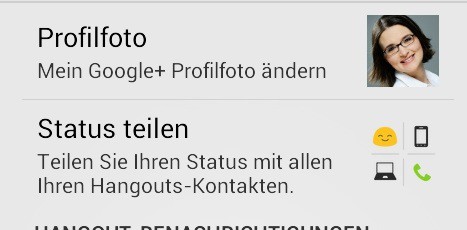
Android: profile image change
IOS hidden: change the photo in the Hangouts App
- Tap on the small profile picture in the top bar of the App.
- The profile image increases, and in addition, a Gear Icon will appear. Tap on the Icon.
- In the "settings" tap again on your profile picture and your name.
- It will open your profile in the top right of the next Gear-Icon is already. Tap again on the Icon.
- Now select "edit profile photo" > "change photo".

iOS: set a profile photo change
- Also here you can choose between "photo" and "select photo".
With the Hangouts App, you are for all of your friends on Google+ to reach. Would you like to once undisturbed stay, you can also from the App logging out.





