Bixby activate – to activate the voice assistant
- As with most voice assistants, you can activate Bixby on Samsung phones by voice command.
- Activate your screen and say the word "Bixby", so that the voice assistant is listening to you.
- The Samsung Galaxy S8, there is also a special Button, with which you can Bixby be able to activate.
- Once the wizard has been activated, you can either say or write what you want exactly.
- For example you can search for a picture on the Internet, or the current weather for your location contact.
- For this to work, you must be connected to your Smartphone via Wi-Fi or mobile data to the Internet.
- In addition, you need to be on the phone with your Samsung Account logged in to use the Service.
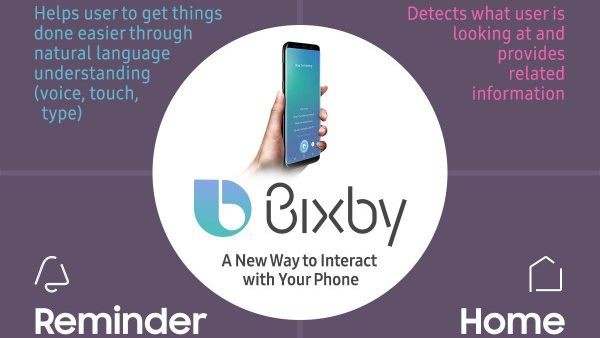
Bixby enable
How to use the voice control in Samsung Galaxy S7 activate can, we can tell you in the next tip.