Amazon Dash Button: this is how the programming works
- Switch off Wi-Fi and Bluetooth on your Smartphone and open the Amazon App for Android or iOS.
- Select the top left "menu" > "My account" and then "setup New device".
- Now, you have to log in again with your Amazon account. Then tap "First steps".
- You bring in the connection to the Dash-Button in the vicinity of your smartphone and press and hold the Button until the LED flashes blue.
- Then select the App "Connect" and enter the Wi-Fi password. Confirm with "Next".
- Now you can select in the Online Shopping the product you want to order it with the Dash Button.
- You will confirm your payment and delivery options, and end with "setup complete".
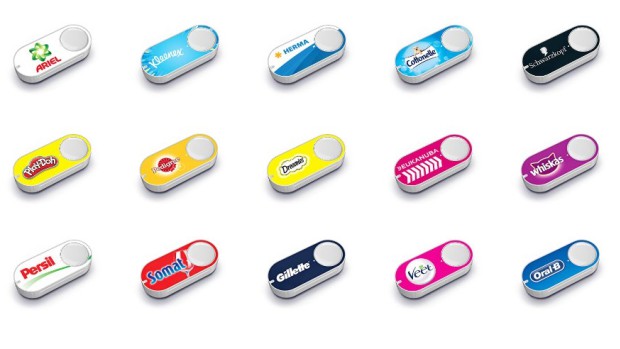
Amazon Dash-Button programming
You will learn in the next practice tip, what exactly is the Dash Button actually is.